Gym access control system
Gym access control that knows who can come in.
A gym access control system tied to your memberships and class schedule: five entry methods, including Apple Wallet on iPhone and Apple Watch, plus offline operation and automatic attendance. We connect to your existing turnstiles or deliver a turnkey installation.
Entry methods
Card, QR code, phone, or watch.
All five methods run side by side, and you choose which ones are enabled for each member. RFID cards and wristbands are free; the other methods come with add-ons.
Apple Wallet & Apple Watch
Your membership, now on iPhone and Apple Watch.
The membership card lives in Apple Wallet, right next to your bank cards and boarding passes. It appears automatically on iPhone and Apple Watch as you approach the turnstile. Even with your phone in your bag, your watch gets you in.
See how it worksQR code
The code in the app refreshes every minute, so it can't be shared as a screenshot.
RFID card & wristband
Members scan their card or wristband and walk through. Your existing cards keep working.
Contactless Entry
Tap and go: members tap their phone on the reader and walk through. No card to carry.
Keyless Entry
No code. No card. No waiting. Just open the app and walk through.
Apple Wallet & Apple Watch
Walk up to the turnstile. Your card is already on screen.
The membership card lives in Apple Wallet, right next to your bank cards and boarding passes. Even with your phone in your bag, your watch gets you in.
1. Walk up to the turnstile
The card appears automatically on your iPhone and Apple Watch. No need to open the app.
2. Scan
Hold the card's code up to the turnstile reader—iPhone or Apple Watch, whichever is handy.
3. Always up to date
Package, expiration date, and sessions left are on the card and update automatically. When the membership ends, the card is deactivated.
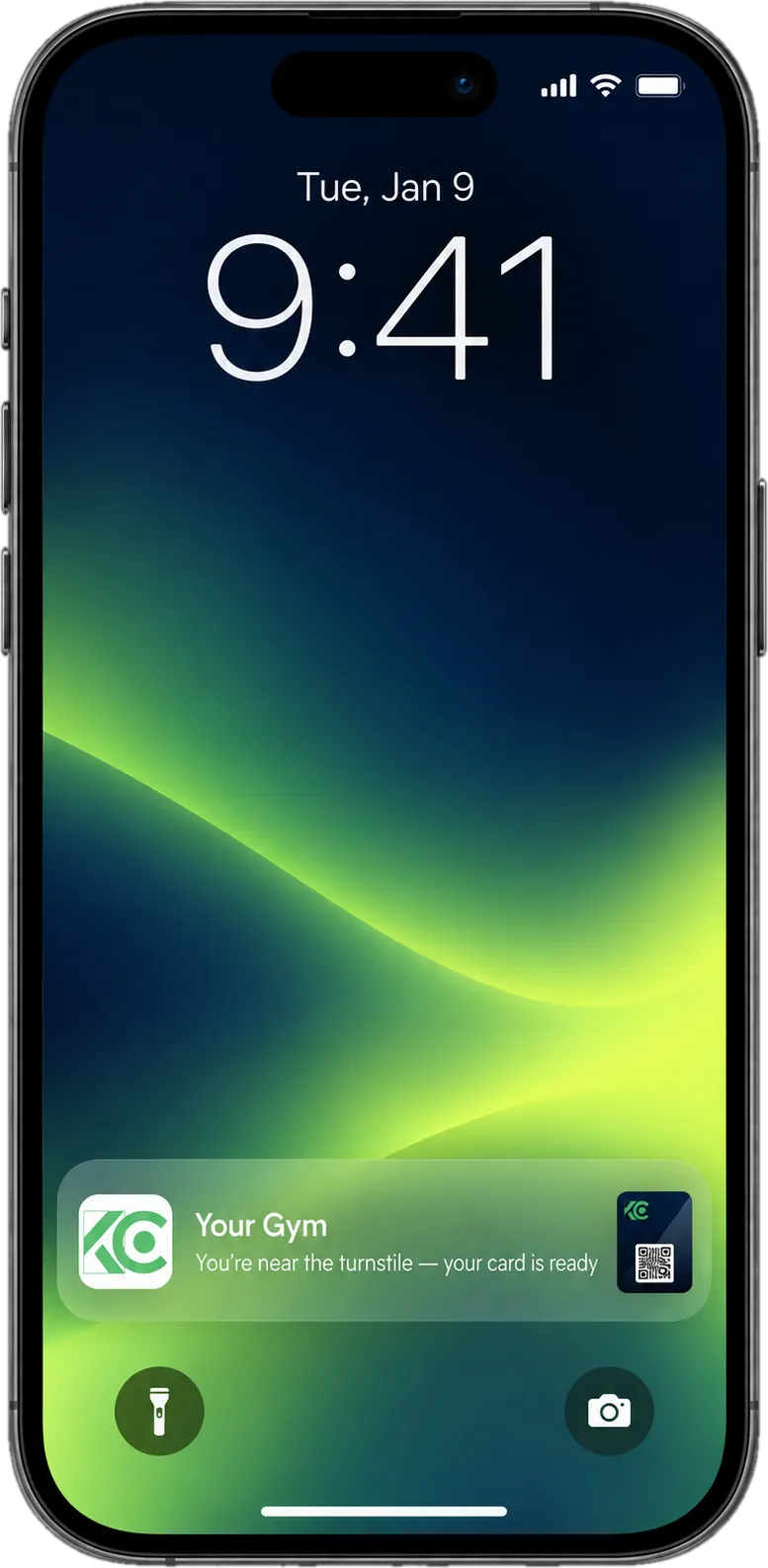
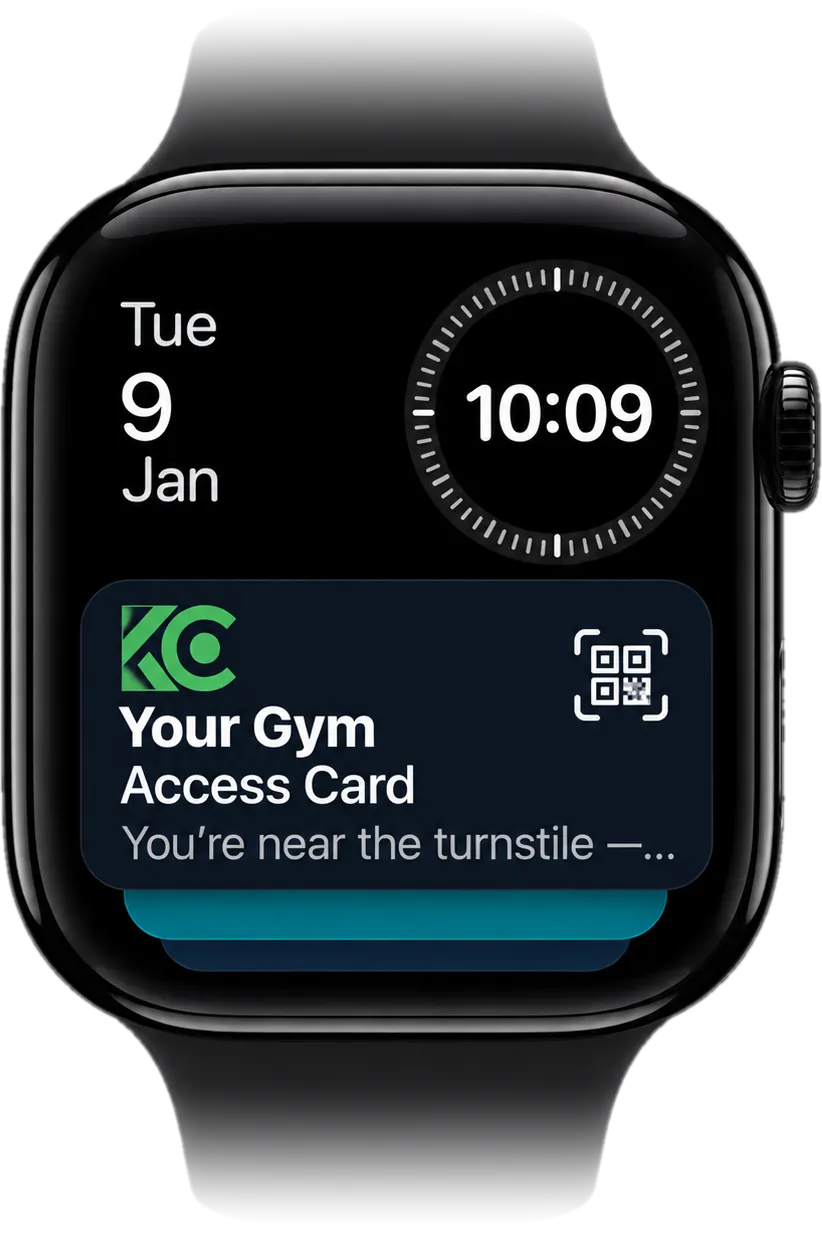
Same card, on iPhone and Apple Watch.
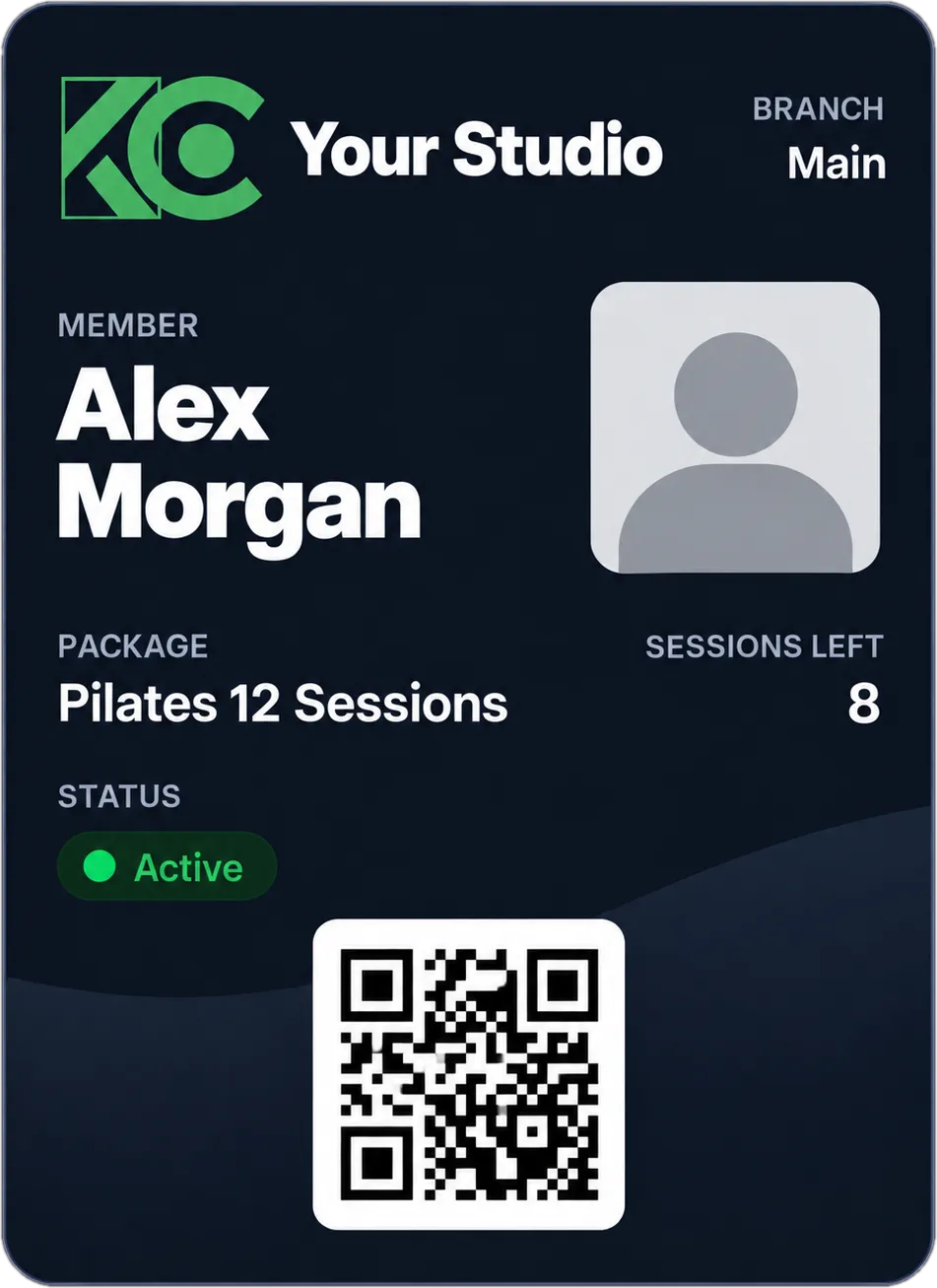
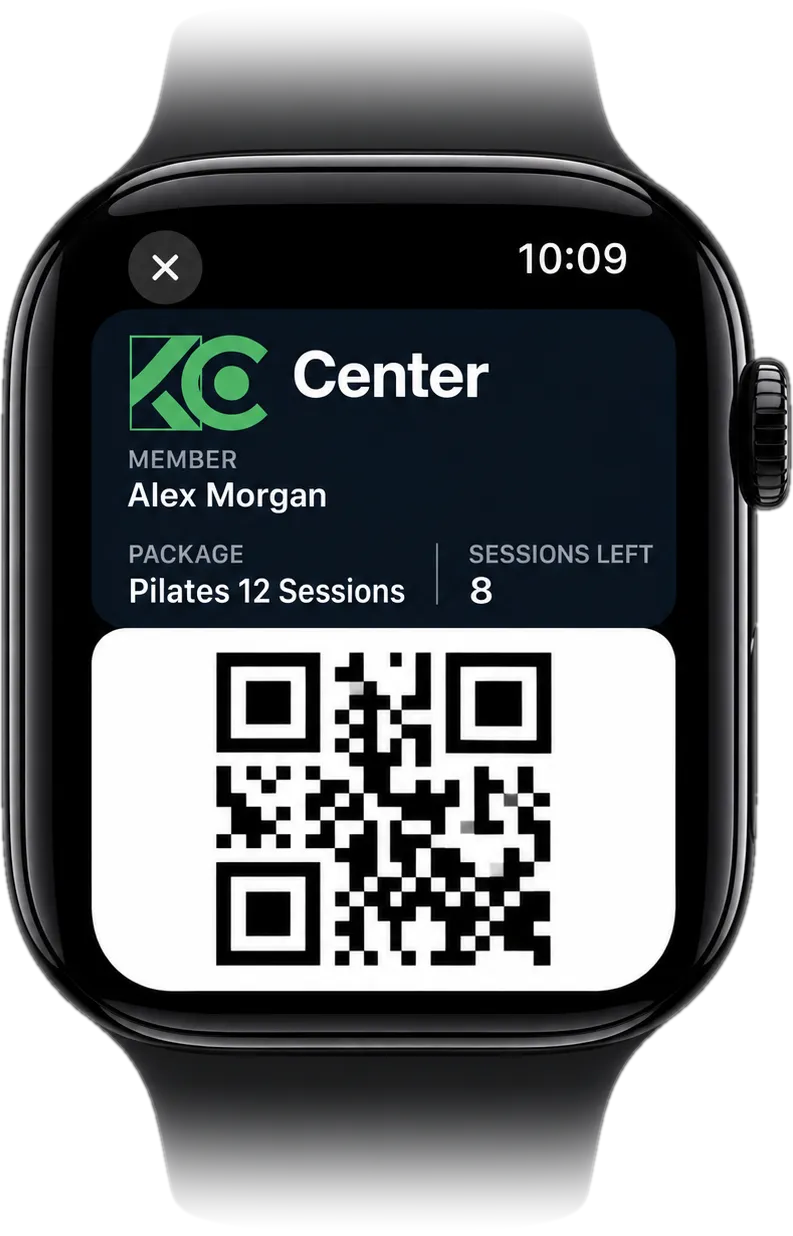
No valid membership, no entry
Expired, frozen, out-of-sessions, or banned members are turned away. The dashboard shows why each entry was denied.
Automatic attendance
A member who enters at class time is marked "attended," and one session is deducted from their session pack.
Studio Mode
Members without a booking for that time slot can't get in. Built for boutique studios.
Who's in now
Entries and exits are processed instantly, so you see who's inside and your occupancy rate live.
Every entry is logged
Who came in or left, when, and by which method—all searchable after the fact.
Alerts
Repeated denied entries, after-hours entries, members who haven't checked out in a long time, high occupancy—managers get notified.
Reliability
Internet down? Your door still works.
Offline mode
If the internet goes down, card entries are still verified on the device; once the connection is back, the logs sync to the dashboard.
Remote management
Device status, temperature, network, and logs are monitored from the dashboard, and the service can be restarted remotely. Most issues don't require a visit to your gym.
Device offline alert
If a turnstile loses its connection, you and our team get an alert—and another when it's back online.
Double-scan protection
If a member scans their card, QR code, or phone twice in a row, the entry isn't flipped to an exit; back-to-back scans count as a single entry.
Setup options
Turnstile setup: pick the one that fits.
With every option, we migrate your data and card numbers from your old system.
Switch gym software and keep your existing cards- 1
Keep your existing turnstiles
We connect our controller to your current turnstiles. No hardware costs, and your cards keep working.
- 2
New turnstiles
We pick the right turnstile or speed gate for your space and deliver it ready to go, readers included.
- 3
Turnkey installation
Site survey, installation, wiring, software, data migration, and staff training. Just tell us your opening day.
Frequently asked questions
What is a gym access control system?
A gym access control system is the hardware and software that lets only members with valid access through your door. In Sporvizor, access control runs alongside your memberships and class schedule. It offers five entry methods, from QR code and RFID to Keyless Entry and Apple Wallet, takes attendance at class time, and keeps working when the internet goes down.
Which turnstile brands does it work with?
Our controller works with turnstiles, speed gates, and door locks. During the site survey, we check your existing hardware with you, and we handle the connection.
Will my existing turnstiles and cards work?
Yes. We connect our controller to your current turnstiles, so there are no hardware costs. Your existing cards keep working as they are: card numbers are transferred during data migration, so you don't need to issue new cards to your members.
Will the turnstile work if the internet goes down?
Yes. If the internet goes down, card entries are still verified on the device; once the connection is back, the logs sync to the dashboard. If a turnstile loses its connection, you and our team get an alert—and another when it's back online.
Does the door open when a membership runs out?
No. Members whose membership has expired, who are out of sessions, whose membership is frozen, or whose payment is overdue are turned away, and the dashboard shows why. Staff freeze memberships manually and can set them to reactivate automatically after a period you choose. When the membership ends, the membership card in Apple Wallet is deactivated too.
What does a member need to do to enter with their phone?
Just install 
 Mobile. On iOS and Android, members enter with a QR code or with Keyless Entry—with Keyless Entry, they keep the app open and their phone in hand, with no code to scan. On Android, they can also tap their phone on the reader (Contactless Entry), and on iPhone, they can use their membership card in Apple Wallet without opening the app at all.
Do I need to carry my iPhone?
No. Your membership card in Apple Wallet is on Apple Watch too, so even if your iPhone stays in your bag or locker, you can walk in with your watch.
How long does turnstile installation take?
It depends on your existing hardware and your gym. After the site survey, we give you a clear installation plan and date.
Let's set up a free site survey.
We visit your gym, check your existing hardware, and put together the right option and a quote for you.
- No long-term contract
- We'll call you within one business day
- 30-minute live demo
- Switch in a week